Share your experience in a few easy steps. It only takes a couple of minutes.
Go to the Customer Reviews page and find the Share Your Experience box.
Tap a star to rate your trip, or press Write a Review.

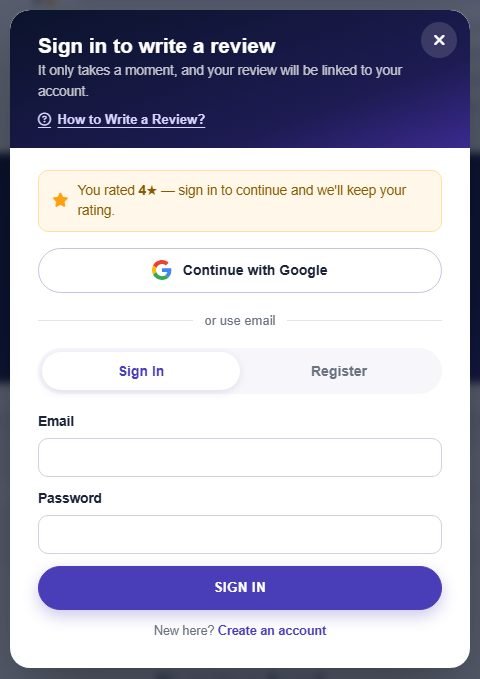
A sign-in window opens. If you already have an account, use Continue with Google or enter your email and password on the Sign In tab.
If you tapped a star first, your rating is kept while you sign in.
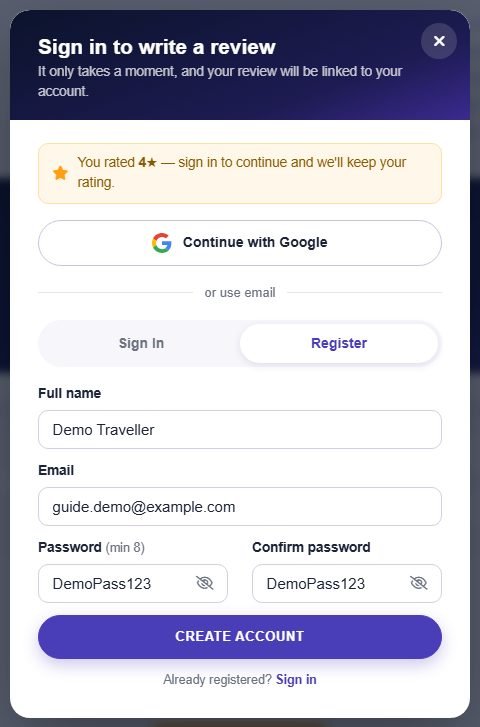
Open the Register tab, enter your name, email and a password (at least 8 characters) and press Create Account.
Tap the eye icon in the password box to show or hide what you typed.
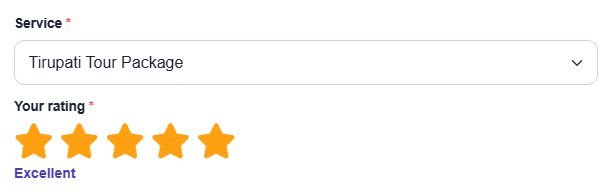
The review form opens automatically. Pick the service you want to review, then tap the stars (5 stars is excellent).
Already reviewed this service? Submitting again simply updates your earlier review.
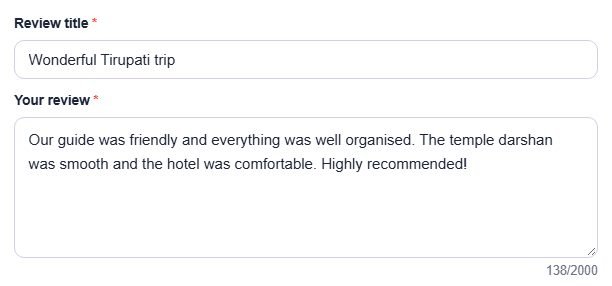
Add a short title and tell other travellers about your trip in the review box (at least 20 characters).
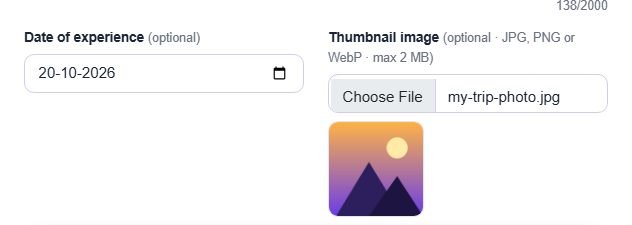
Choose the date of your experience and, if you like, upload a thumbnail image (JPG, PNG or WebP, up to 2 MB). A small preview appears once the photo is selected.
Both fields are optional — you can skip them.
Press Submit Review to send it.

A green Thank you for your review message appears at the top of the page. Your review is now shown with the other traveller reviews.

Fill in your details and our travel expert will contact you shortly.